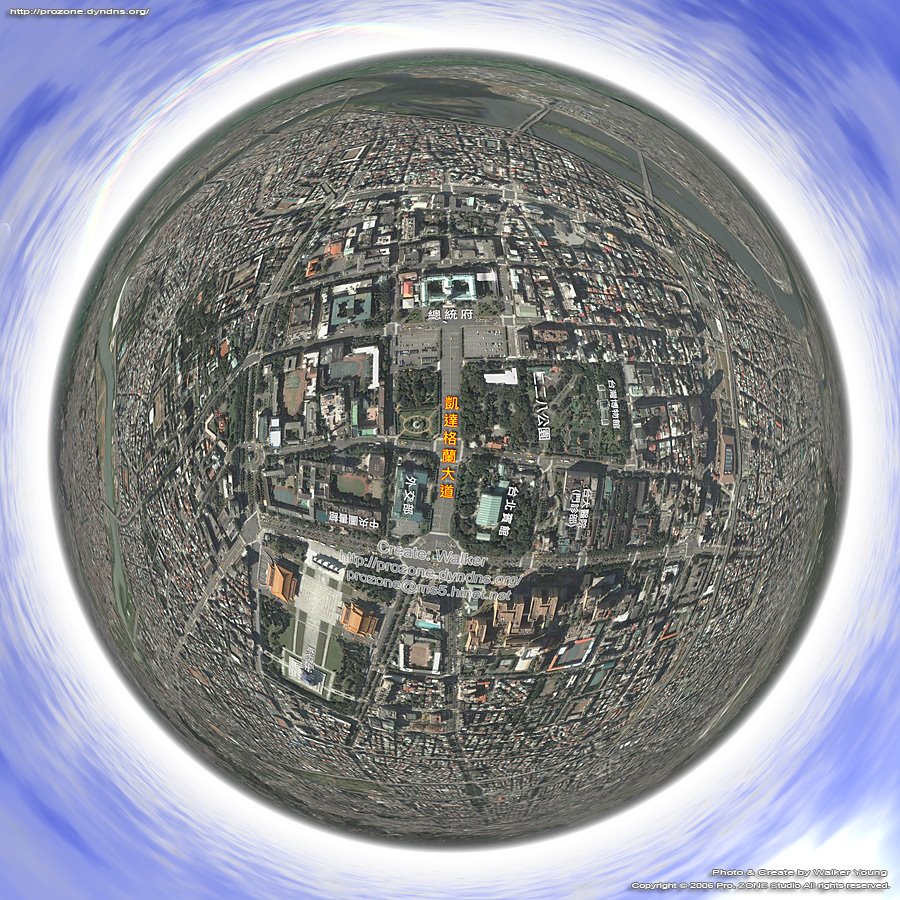
 Walker Young of the Taiwan 360 VR Panograph blog has used our tutorial on creating panoramas in Google Earth for his view of Taipei in Taiwan.
Interestingly he has used a Four Seasons to create the clouds above the city. Four Seasons allows the user to replace the sky in images using the 'magic wand' tool. There are a number of cloud settings as well as the option to place the sun/moon in the image.
You can view the Google Earth Panorama of Taipei here.
Google Earth Panorama - Taipei, Taiwan
Andy
CASA, UCL East
Recent
The Papers: The 2nd Album
Spatial Computing and the Phygital City: Towards Digital Habitation
Color Weather: A Data Watch Face for the Pebble Time 2
Fenland: A weeWX Dashboard with forecast verification, ensemble models, climate records back to 1940 and finally, that tween...
City Clock: A City where the People Tell the Time